CAST Part2: Four phases, four walls: how I built a production app with zero iOS experience
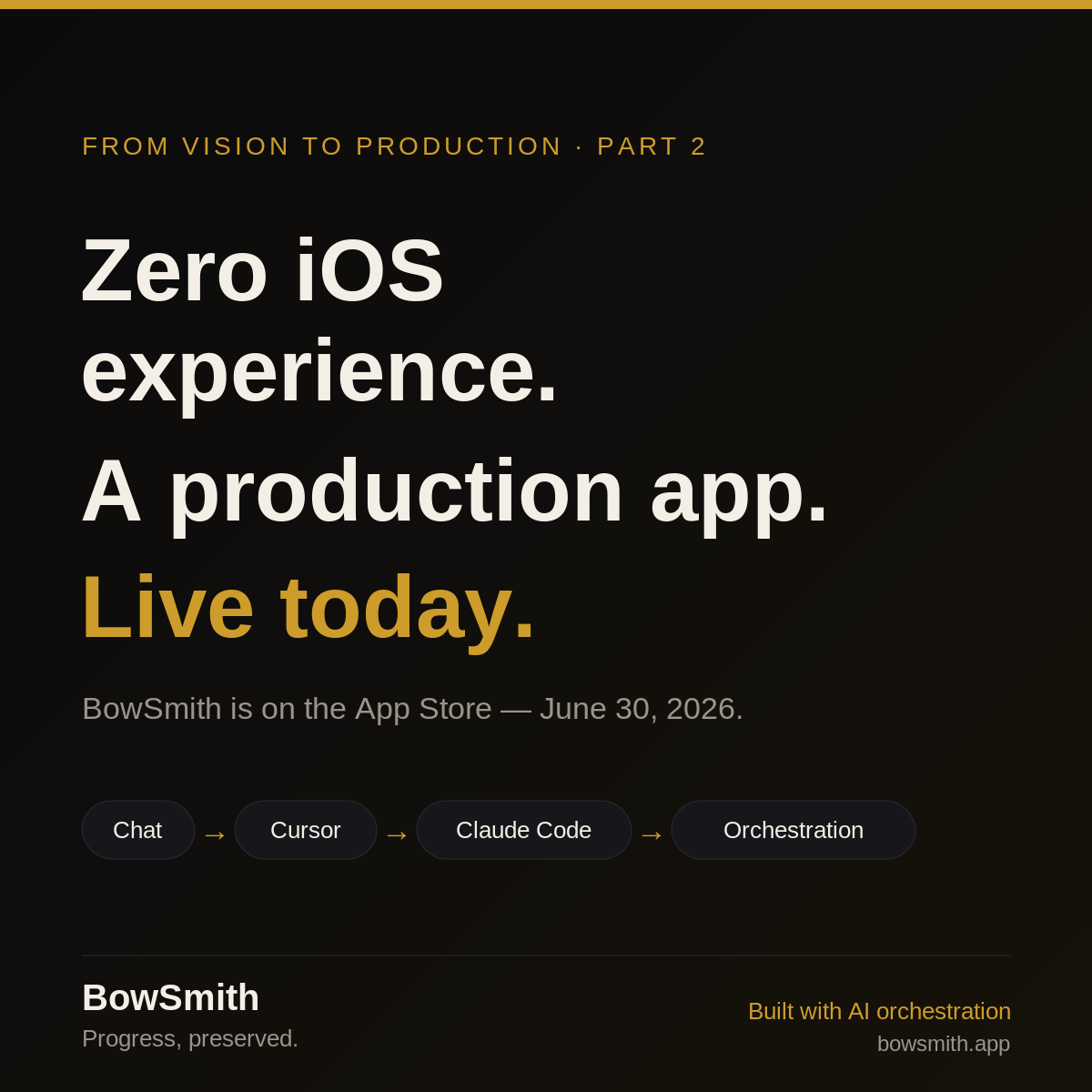
I'll start with the part I didn't think I'd get to write so soon: as of today, BowSmith is live on the App Store. Zero iOS experience when I started. A real, shippable archery app today.
I'll start with the part I didn't think I'd get to write so soon: as of today, BowSmith is live on the App Store. Zero iOS experience when I started. A real, shippable archery app today.
I'll start with the part I didn't think I'd get to write so soon: as of today, BowSmith is live on the App Store. Zero iOS experience when I started. A real, shippable archery app today.
That's the headline. This post is the "how" — specifically, the four phases the build moved through, and the wall I hit at each one that forced the next.
In Part 1 I described the experiment at a high level. Here I want to open the hood. Because the interesting thing wasn't any single tool — it was the sequence. Every phase solved the previous bottleneck and immediately exposed a new one.
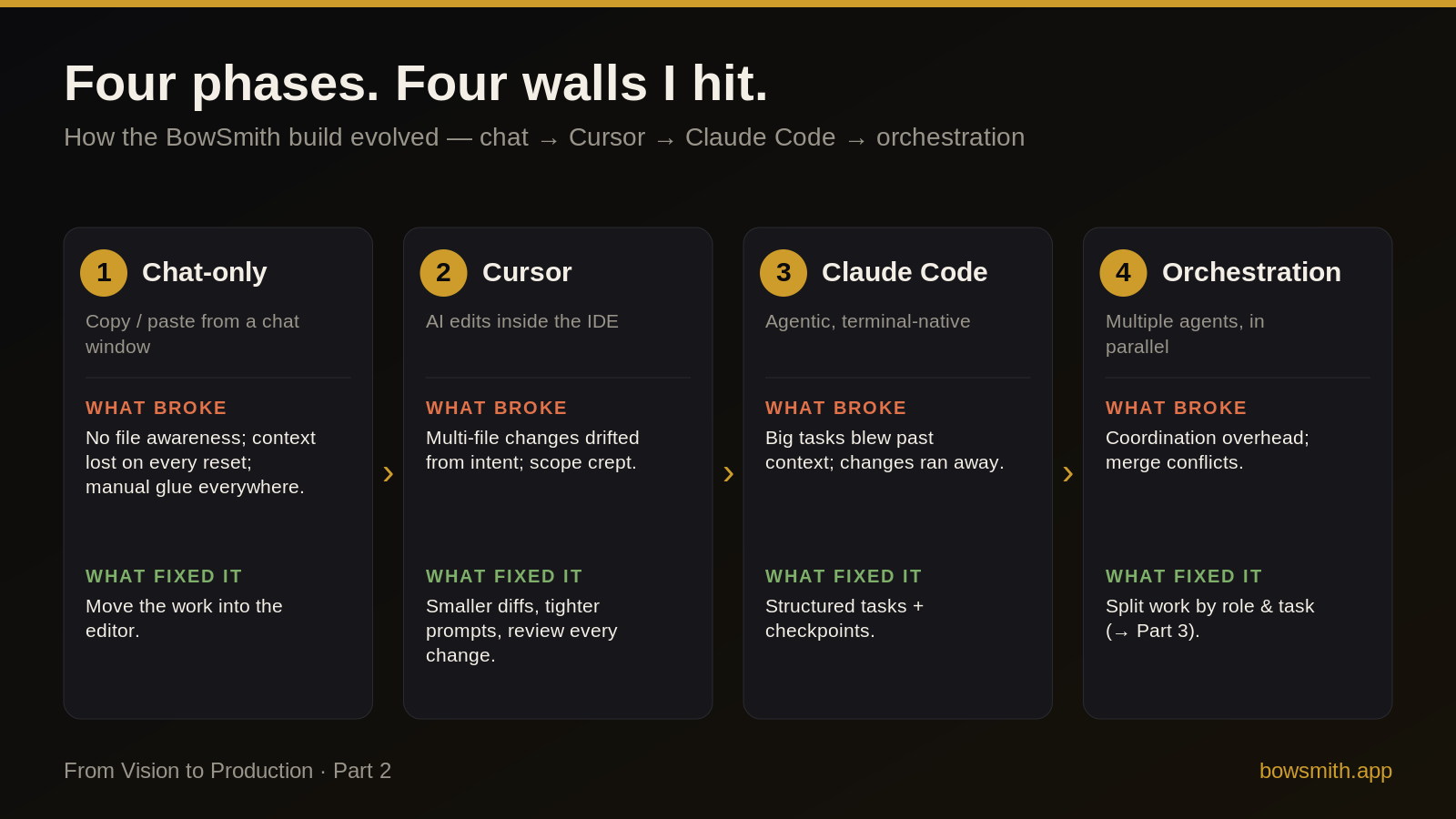
Phase 1 — Chat-only
The first version of "AI-assisted development" was the most primitive: a chat window and a lot of copy-paste. Describe a problem, get a snippet, paste it in, run it, paste the error back.
What broke. The model had no idea what my project actually looked like. No file awareness, no memory between resets, and every non-trivial change meant me hand-stitching code across files. I was the integration layer, and I was slow.
What fixed it. Stop moving code by hand. Move the AI into the editor.
Phase 2 — Cursor
Working inside the IDE was a step change. Now the assistant could see the files and edit them in place. Velocity jumped.
What broke. The bigger the change, the more it drifted. Ask for one thing across several files and the edits would quietly expand scope — touching code I hadn't asked it to touch, reinterpreting intent. Speed without control is just faster mistakes.
What fixed it. Smaller diffs, tighter prompts, and reviewing every change before accepting it. Treat the AI like a fast junior who needs clear, bounded tasks.
Phase 3 — Claude Code
The next jump was going agentic and terminal-native — handing over whole tasks instead of single edits, and letting the tool run, test, and iterate on its own.
What broke. Ambition outran the context window. Big tasks blew past what the model could hold in its head, and without guardrails the changes would run away — lots of motion, not always in the right direction.
What fixed it. Structure. Break work into explicit tasks, add checkpoints, and verify between steps instead of at the end. Constraints made the autonomy usable.
Phase 4 — Orchestration
The last phase stopped treating it as one assistant and started treating it as a team — multiple agents working in parallel on different slices of the app.
What broke. Coordination. Parallel work means merge conflicts and the overhead of keeping agents from stepping on each other.
What fixed it. Split the work cleanly by role and task so the pieces compose instead of collide. (That's its own story — the team structure is Part 3.)
The payoff shipped today
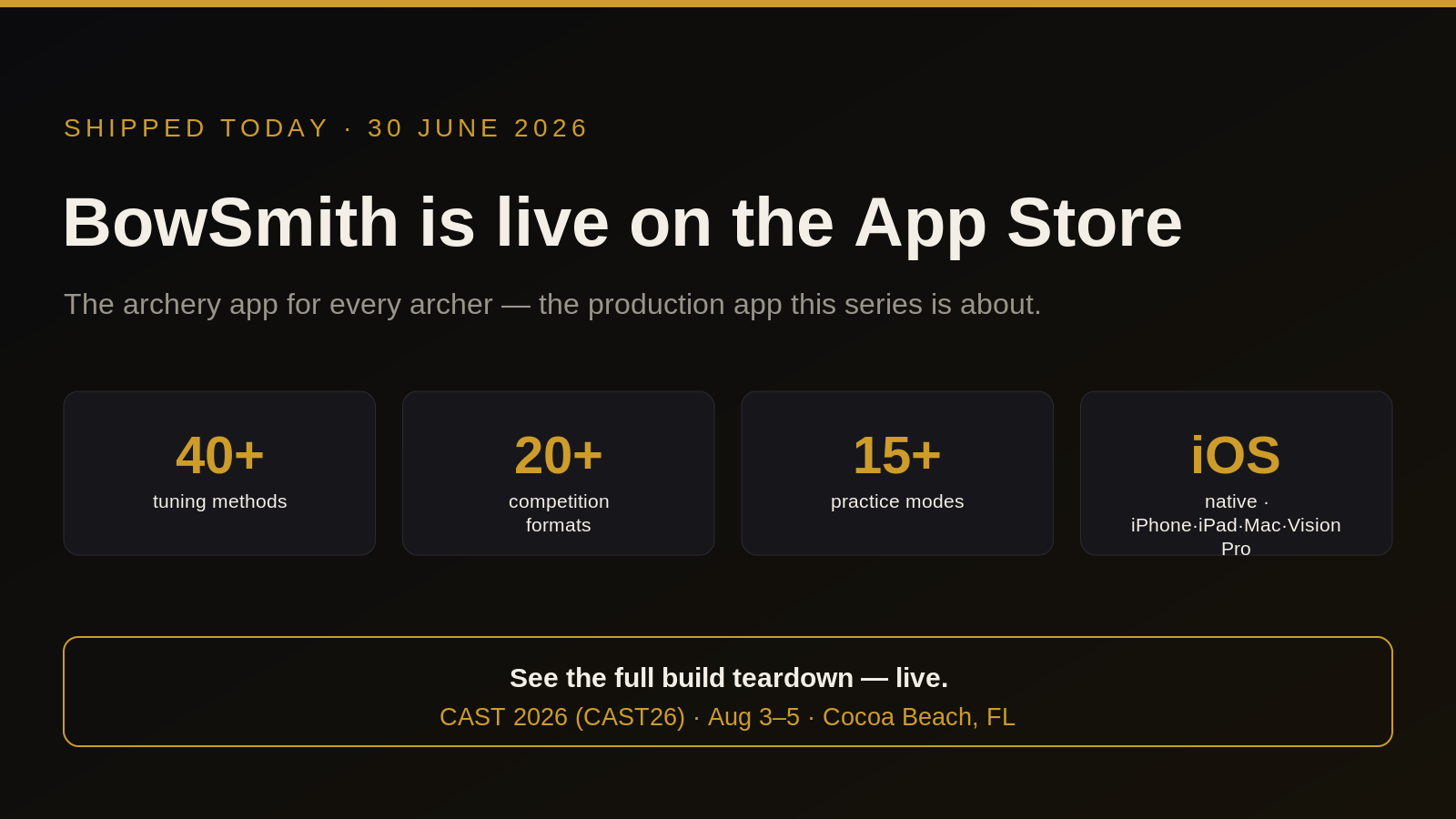
Each wall was annoying in the moment and obvious in hindsight. Stacked together, they're the difference between "AI wrote me a script" and "AI helped me ship a production iOS app": 40+ tuning methods, 20+ competition formats, native on iPhone, iPad, Mac, and Apple Vision Pro. See it on the App Store →
Next week I'll get into the team itself — how 17 role-based agents became a leaner, task-based setup.
This is the build I'm taking apart, live and in full, at CAST 2026 (CAST26), Aug 3–5, Cocoa Beach, FL. If you want the unabridged version — including the parts that failed — that's where to find it.